


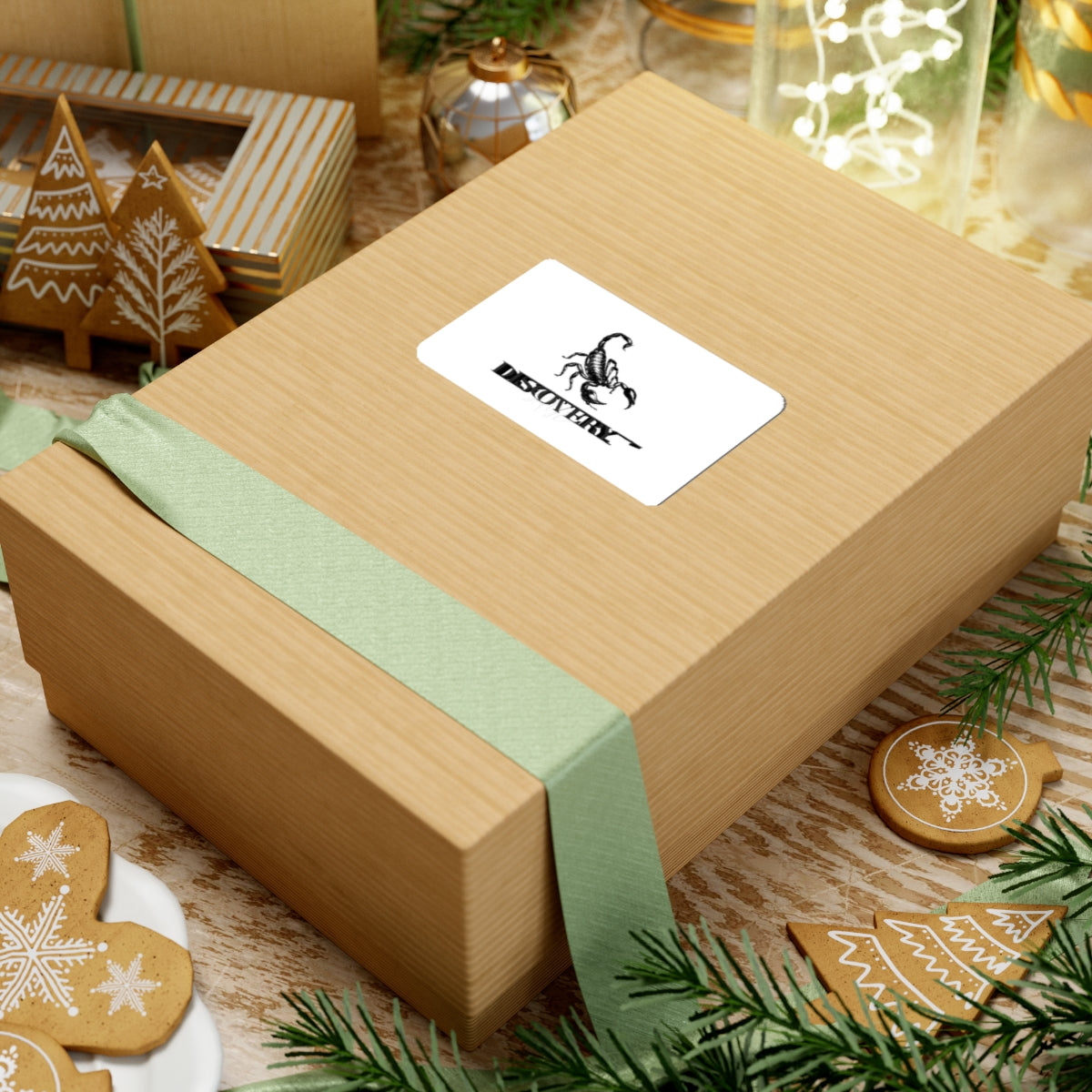
Scorpion Discovery Kiss-Cut Sticker
Scorpion Discovery Kiss-Cut Sticker
No se pudo cargar la disponibilidad de retiro
Product features
- Glossy, scratch-resistant finish for a polished surface
- Durable vinyl with permanent acrylic adhesive for smooth, flat indoor surfaces
- Bright artwork printed with environmentally friendly eco-solvent inks
- Available in four sizes with white or transparent sticker options
- Quick, smooth, bubble-free application; not waterproof
Care instructions
- Use a soft, clean and dry cloth to gently brush any dust or dirt off from the center of the sticker outwards.
Share


FAQS
What if the delivery address was wrong?
To correct the delivery address of a paid order, please contact our customer service ASAP.
What if the product delivered is a wrong item/damaged/has quality issues?
If you receive the wrong product or a damaged/defective product, please get in touch with our customer service as soon as possible and provide your order ID number as well as clear pictures/videos of the issue. After verification, our customer service team will apply the appropriate after-sales policy depending on the damaged/defective situation.
How to download your order's invoice
1. Go to Dashboard = > Addresses ,and then create a new address or modify an existing one and select it as the invoice address.
2. Go to Dashboard => Order page, Click "Download Invoice" for single order or check multiple orders and Click "Download Invoices" for bulk download.
